Regex Support for >100k Tables
Use regex patterns in Source schema configuration to merge related tables into logical topics for multi-tenant, sharded, or cell-based architectures.
There are various use cases where a group of related tables must be considered one logical table when streamed to one or more destinations:
- Multi-tenancy implemented with “DB per tenant” or “Schema per tenant”
- Application-level sharding
- Cell-based architecture
In such cases, use the Regex support in the Schema configuration for a Source connector. All tables matching one regex in the schema will be considered one logical topic and streamed to one logical destination table.
Schema Configuration
Regex can be applied at the schema or database level, at the table level, or both.
In the Source connector’s Schema tab, add a schema using a regex pattern (e.g. shard[0-9]*). All matching schemas will be merged, and the tables within them will be treated as a single logical set.
![Schema tab showing a regex pattern shard[0-9]* matching 3 tables: Orders, Customers, Products1](/_astro/regex-schema-config.CgvUD9hz_Z1y0vcF.webp)
Advanced Settings
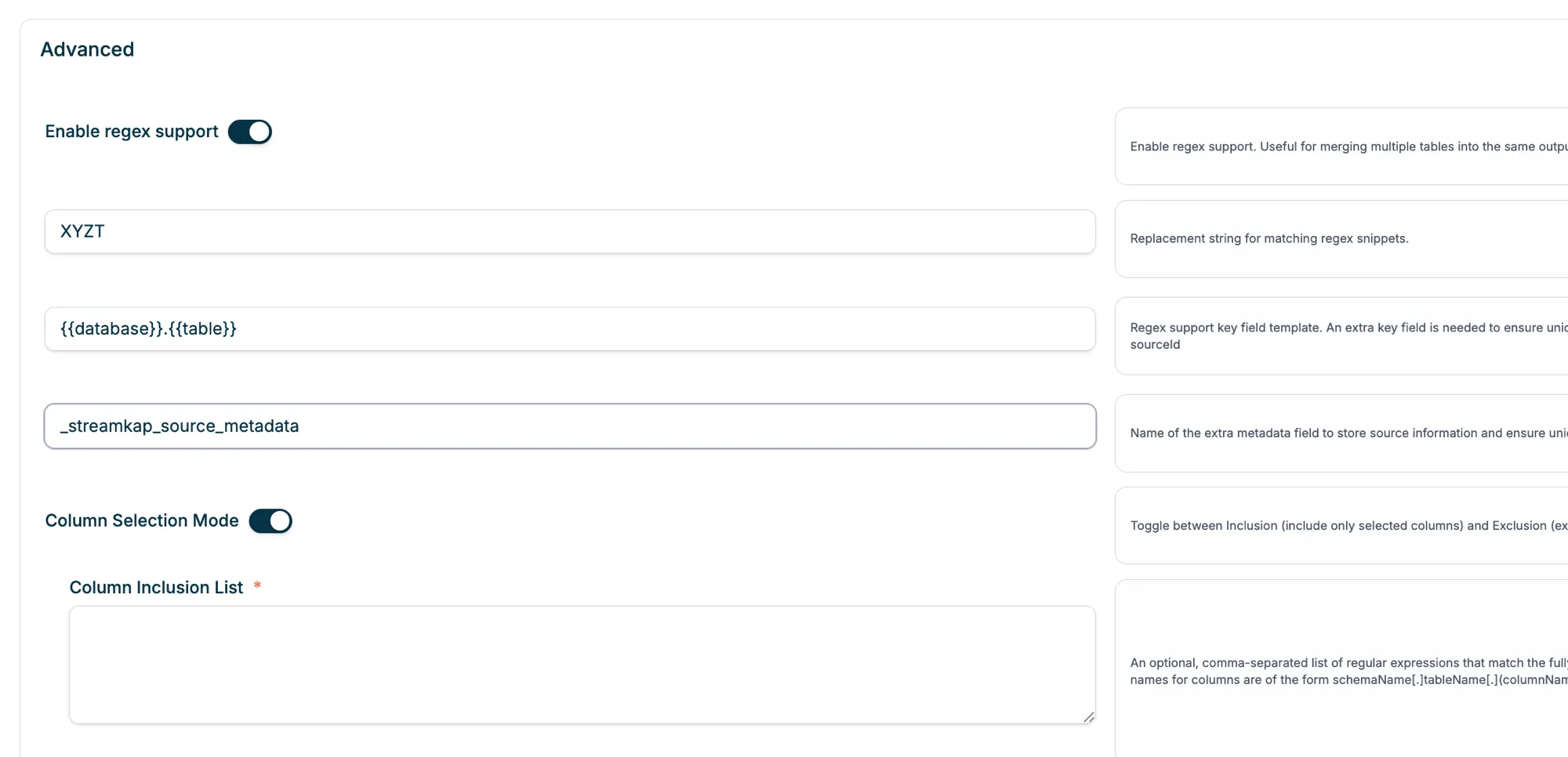
To enable regex support, go to the Source connector’s Settings tab and scroll to the Advanced section:
- Toggle Enable regex support on
- Configure the Replacement string for matching regex snippets
- Set the Regex support key field template — an extra key field is needed to ensure unique records across merged sources (e.g.
{{database}}.{{table}}) - Set the metadata field name to store source information and ensure uniqueness (e.g.
_streamkap_source_metadata)