

Personal Privacy & Security
Manage your personal Streamkap account security: change your password, enrol MFA or passkeys, and view or log out active login sessions.
Personal Privacy & Security settings can be found in Account preferences under the My Account section. Click your avatar in the top navigation bar and select Account preferences, then click Privacy & Security.
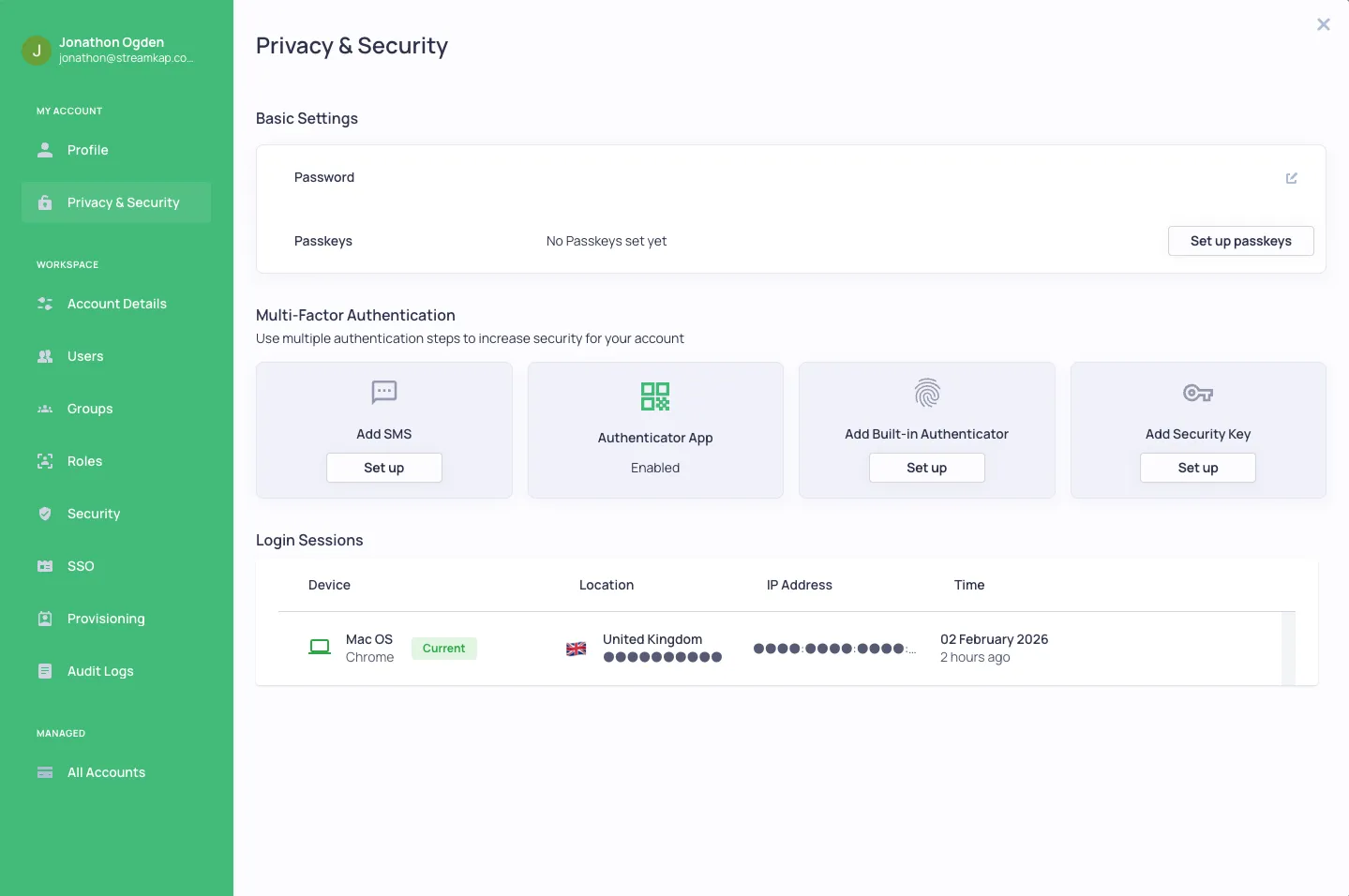
Features
- Change your password - Update your account password
- Enrol/Set MFA/2FA - Configure multi-factor authentication
- Setup Passkeys - Add passwordless authentication
- View sessions - See all active login sessions and log out of any or all of them
- Remember 2FA devices - Option to remember trusted devices for 30 days
Multi-Factor Authentication (MFA/2FA)
2FA or Multi-Factor Authentication adds an essential layer of security to protect your use of Streamkap.
Supported MFA Methods
- Authenticator apps - Google Authenticator, Authy, 1Password, etc.
- SMS - Receive codes via text message
- Built-in authenticators - Touch ID, Face ID, Windows Hello
- Security Keys - Hardware keys like YubiKey
Setting Up MFA
- Navigate to Account preferences → Privacy & Security
- Under “Multi-Factor Authentication”, click Set up on your preferred method
- Follow the setup wizard to complete configuration
- Your chosen method will show as “Enabled” once configured
Login Sessions
The Login Sessions section shows all devices and browsers where your account is currently logged in:
- Device - Operating system and browser
- Location - Geographic location based on IP address
- IP Address - The IP address used for the session
- Time - When the session was created
Managing Sessions
- Log out individual session - Click the logout button next to any session
- Log out all other sessions - Click “Log out all other sessions” to revoke all sessions except your current one
Related Documentation
- Organisation Security - Organization-wide security settings
- Users - Team management and access control
- SSO Setup - Single Sign-On configuration