

Profile
Edit your Streamkap profile details, including display name, username, phone number, address, job title, and profile picture, from Account preferences.
Profile settings can be found in Account preferences by clicking your avatar in the top navigation bar, then selecting Profile.
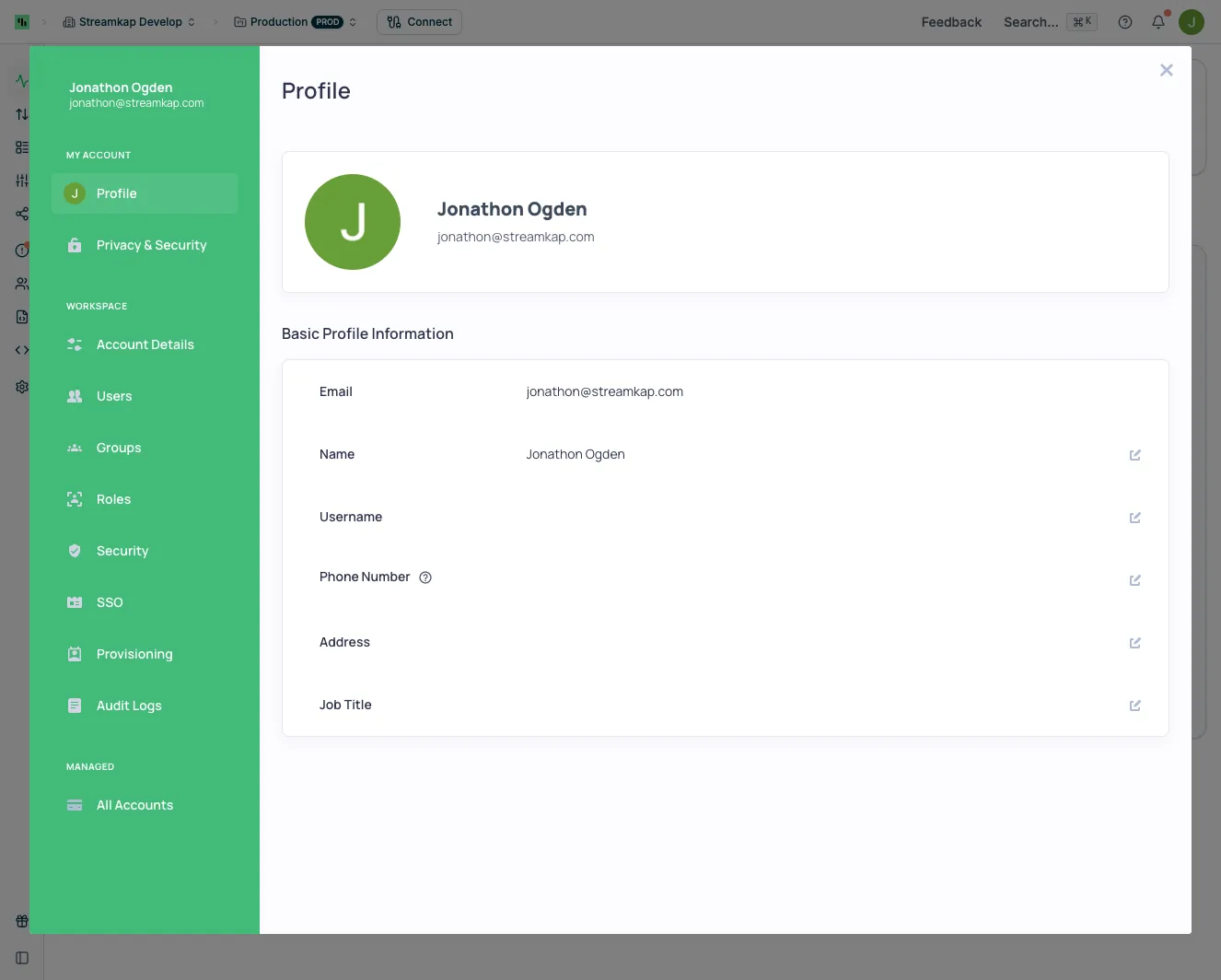
Basic Profile Information
You can view and edit the following profile details:
- Email - Your login email address (read-only)
- Name - Your display name
- Username - Optional username for your account
- Phone Number - Contact phone number (optional)
- Address - Your address (optional)
- Job Title - Your role or position (optional)
Profile Picture
Click the edit button on your avatar to upload or change your profile picture.