> ## Documentation Index
> Fetch the complete documentation index at: https://docs.streamkap.com/llms.txt
> Use this file to discover all available pages before exploring further.
# Audit Logs
> View and search audit logs to track activity in your organization
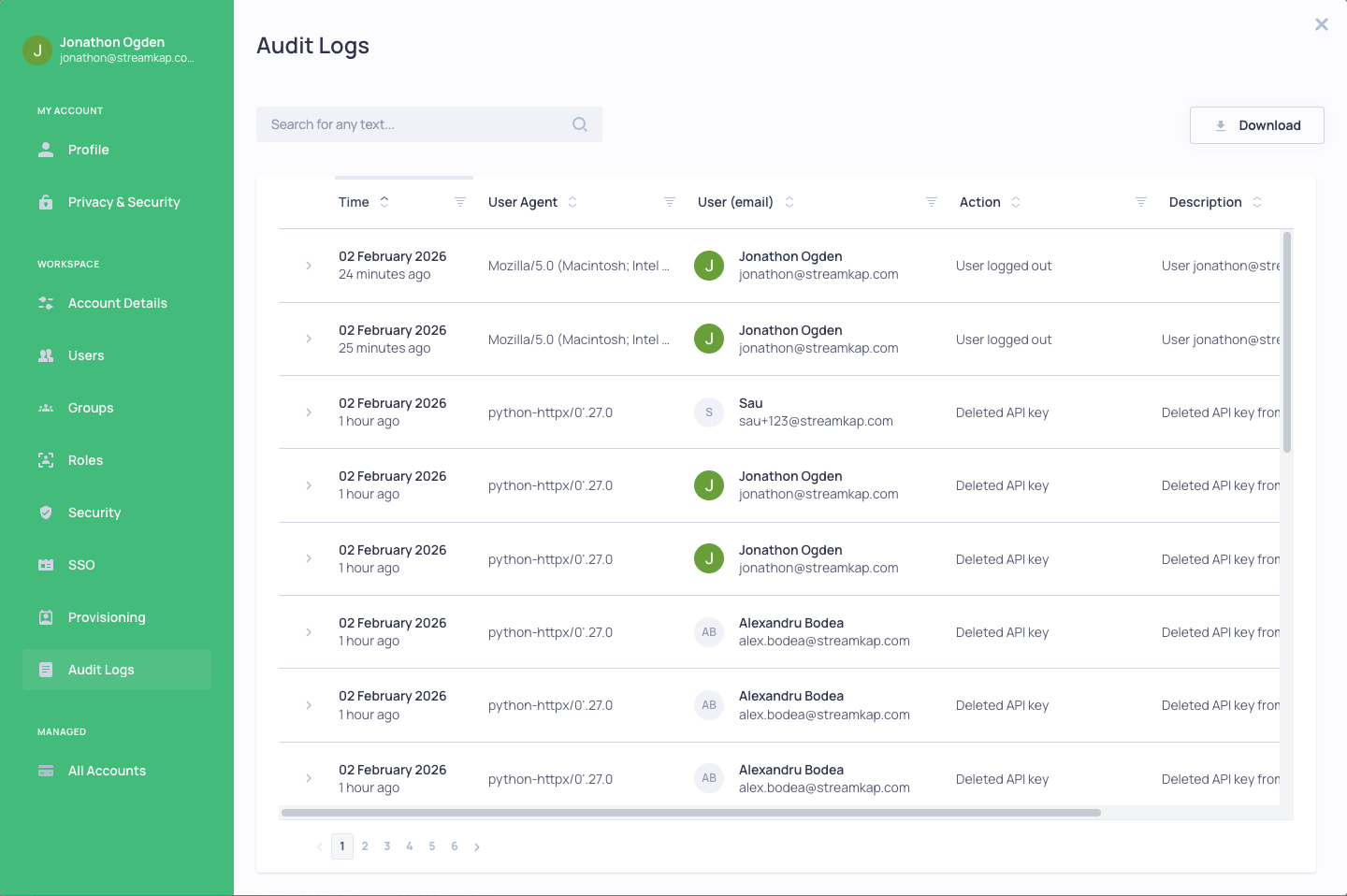
Audit Logs can be found in **Account preferences** under the **Workspace** section. Click your avatar in the top navigation bar and select **Account preferences**, then click **Audit Logs**.
 ## Overview
Streamkap maintains a complete audit trail of all activity within your organization, providing visibility for security compliance and troubleshooting.
## Audit Log Details
Each log entry includes:
* **Time** - When the action occurred
* **User Agent** - The browser or application used
* **User (email)** - Who performed the action
* **Action** - What was done (e.g., User logged in, Created API key, Updated profile)
* **Description** - Additional context about the action
* **Severity** - The importance level (Info, Warning, Error)
## Features
* **Search** - Search for any text across all log entries
* **Filter** - Filter by time, user agent, email, action, description, or severity
* **Sort** - Sort columns by clicking the column headers
* **Download** - Export audit logs for external analysis or compliance reporting
* **Expand** - Click on any row to see additional details
## Overview
Streamkap maintains a complete audit trail of all activity within your organization, providing visibility for security compliance and troubleshooting.
## Audit Log Details
Each log entry includes:
* **Time** - When the action occurred
* **User Agent** - The browser or application used
* **User (email)** - Who performed the action
* **Action** - What was done (e.g., User logged in, Created API key, Updated profile)
* **Description** - Additional context about the action
* **Severity** - The importance level (Info, Warning, Error)
## Features
* **Search** - Search for any text across all log entries
* **Filter** - Filter by time, user agent, email, action, description, or severity
* **Sort** - Sort columns by clicking the column headers
* **Download** - Export audit logs for external analysis or compliance reporting
* **Expand** - Click on any row to see additional details