> ## Documentation Index
> Fetch the complete documentation index at: https://docs.streamkap.com/llms.txt
> Use this file to discover all available pages before exploring further.
# Setup SSO
> Configure single sign-on for your Streamkap organization
SSO configuration can be found in **Account preferences** under the **Workspace** section. Click your avatar in the top navigation bar and select **Account preferences**, then click **SSO**.
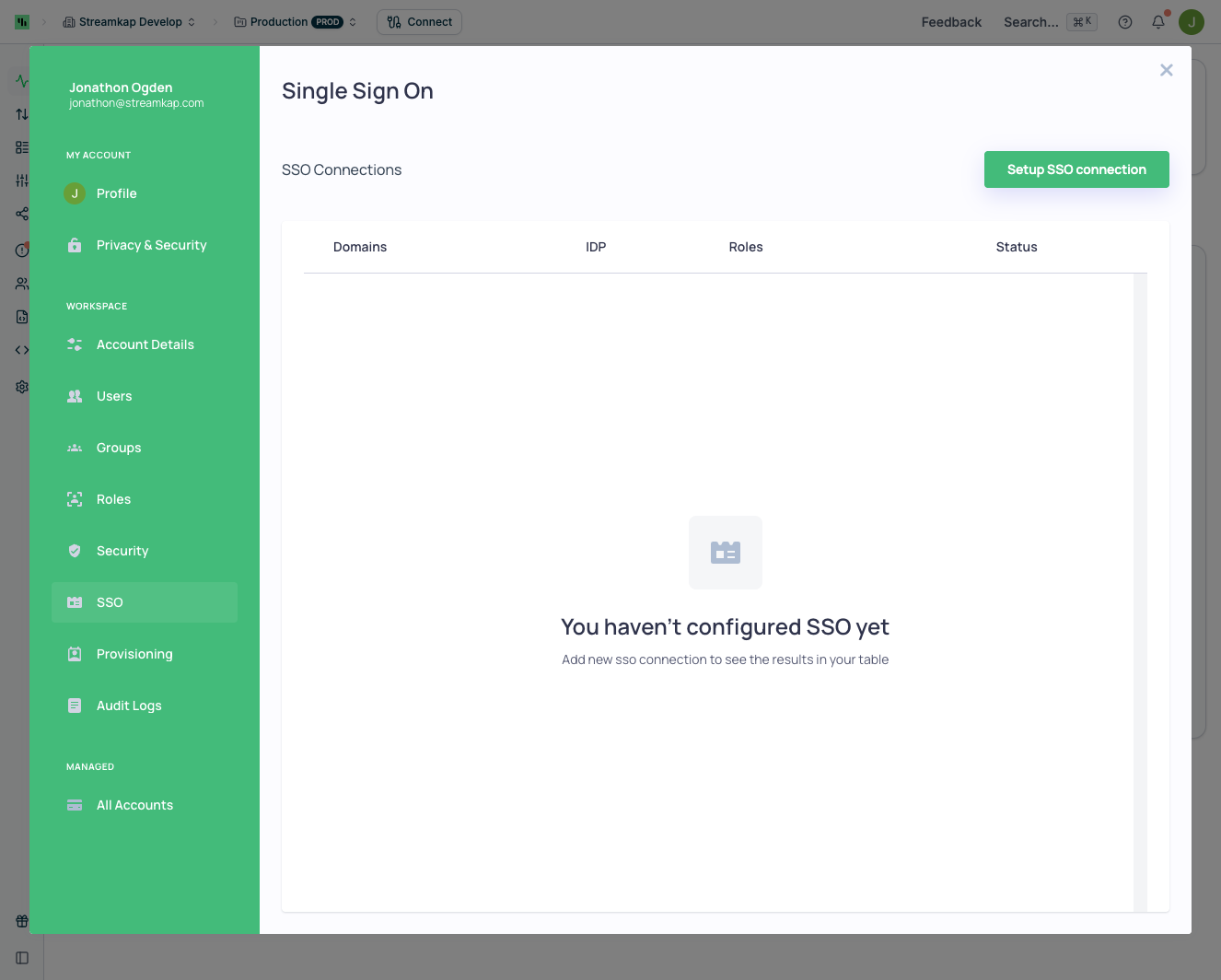 Starting SSO setup will guide you through a full tutorial. The documentation below provides additional assistance.
## Supported Authentication Methods
Streamkap supports:
* **Magic Link** (Passwordless email authentication)
* **Google**
* **GitHub**
* **Microsoft**
* **Slack**
## Self-Service SSO Setup
We support self-service setup of SSO (Single Sign-On) via:
* [SAML IDP Setup](/saml-idp-setup)
* [OpenID Connect - IDP Setup](/openid-connect-idp-setup)
## Supported Identity Providers
During step 1 (Configure Your IdP) of the SSO wizard you can choose from a set of pre-built templates or select a custom option. The following are currently supported:
### SAML
| Provider | Notes |
| ---------------- | ---------------------------------------- |
| Okta | Pre-configured template |
| Azure (Entra ID) | Pre-configured template |
| Google | Pre-configured template |
| OneLogin | Pre-configured template |
| PingIdentity | Pre-configured template |
| JumpCloud | Pre-configured template |
| Rippling | Pre-configured template |
| Custom SAML | Use for any other SAML 2.0 compliant IdP |
### OpenID Connect
| Provider | Notes |
| ------------- | ----------------------------------- |
| Okta | Pre-configured template |
| Custom OpenID | Use for any OIDC compliant provider |
If your provider is not explicitly listed, choose the relevant *Custom* option and map the standard fields (ACS / redirect URL, Entity ID / Client ID, Audience, Metadata / JWKS, etc.) as described in the setup guides above.
Starting SSO setup will guide you through a full tutorial. The documentation below provides additional assistance.
## Supported Authentication Methods
Streamkap supports:
* **Magic Link** (Passwordless email authentication)
* **Google**
* **GitHub**
* **Microsoft**
* **Slack**
## Self-Service SSO Setup
We support self-service setup of SSO (Single Sign-On) via:
* [SAML IDP Setup](/saml-idp-setup)
* [OpenID Connect - IDP Setup](/openid-connect-idp-setup)
## Supported Identity Providers
During step 1 (Configure Your IdP) of the SSO wizard you can choose from a set of pre-built templates or select a custom option. The following are currently supported:
### SAML
| Provider | Notes |
| ---------------- | ---------------------------------------- |
| Okta | Pre-configured template |
| Azure (Entra ID) | Pre-configured template |
| Google | Pre-configured template |
| OneLogin | Pre-configured template |
| PingIdentity | Pre-configured template |
| JumpCloud | Pre-configured template |
| Rippling | Pre-configured template |
| Custom SAML | Use for any other SAML 2.0 compliant IdP |
### OpenID Connect
| Provider | Notes |
| ------------- | ----------------------------------- |
| Okta | Pre-configured template |
| Custom OpenID | Use for any OIDC compliant provider |
If your provider is not explicitly listed, choose the relevant *Custom* option and map the standard fields (ACS / redirect URL, Entity ID / Client ID, Audience, Metadata / JWKS, etc.) as described in the setup guides above.