> ## Documentation Index
> Fetch the complete documentation index at: https://docs.streamkap.com/llms.txt
> Use this file to discover all available pages before exploring further.
# Profile
> Manage your personal profile information in Streamkap
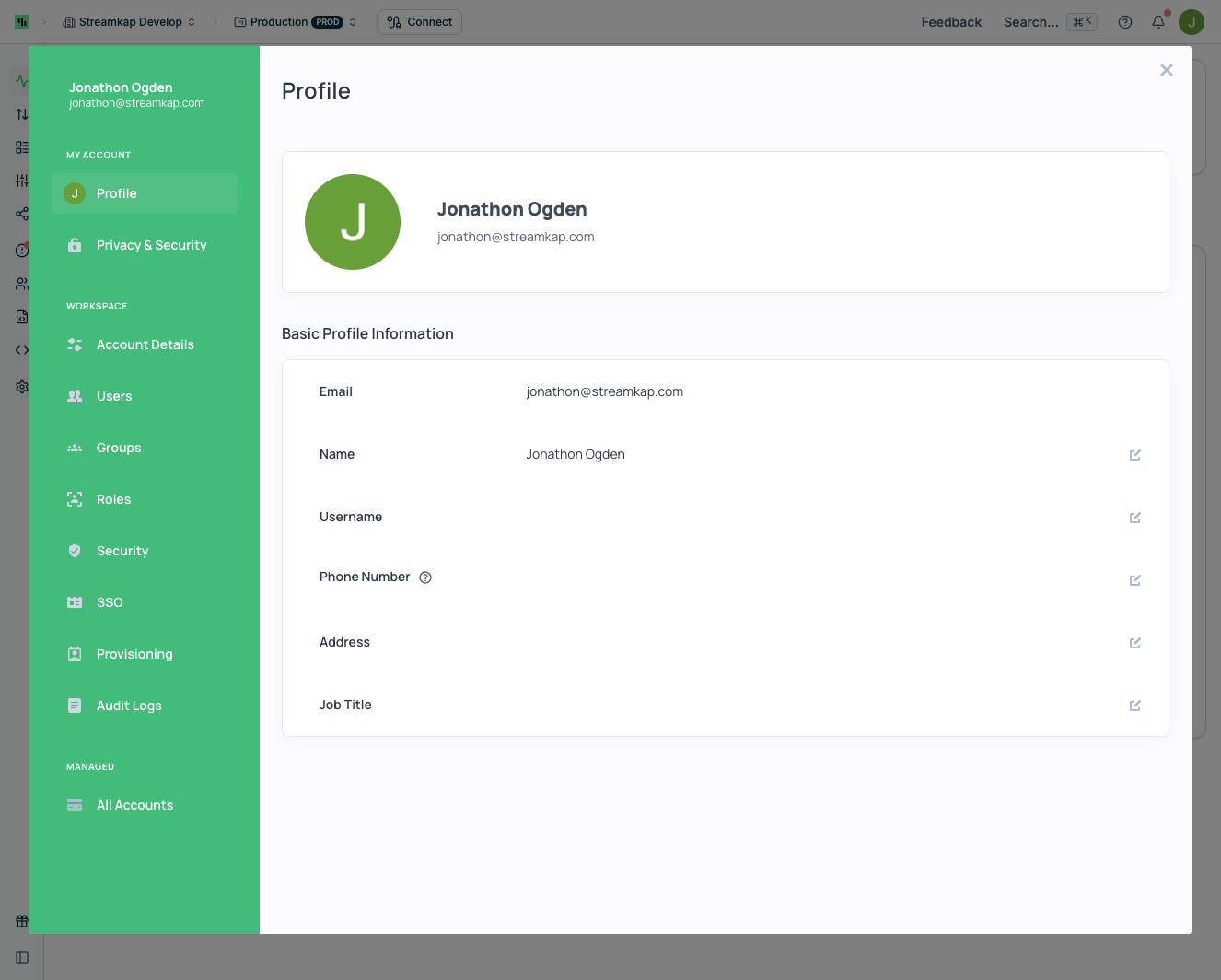
Profile settings can be found in **Account preferences** by clicking your avatar in the top navigation bar, then selecting **Profile**.
 ## Basic Profile Information
You can view and edit the following profile details:
* **Email** - Your login email address (read-only)
* **Name** - Your display name
* **Username** - Optional username for your account
* **Phone Number** - Contact phone number (optional)
* **Address** - Your address (optional)
* **Job Title** - Your role or position (optional)
## Profile Picture
Click the edit button on your avatar to upload or change your profile picture.
## Basic Profile Information
You can view and edit the following profile details:
* **Email** - Your login email address (read-only)
* **Name** - Your display name
* **Username** - Optional username for your account
* **Phone Number** - Contact phone number (optional)
* **Address** - Your address (optional)
* **Job Title** - Your role or position (optional)
## Profile Picture
Click the edit button on your avatar to upload or change your profile picture.